Creating a Client
To begin using Palera, first create a Client. A client serves as the workspace for each brand, business, or customer account, allowing you to centralize messaging channels, agent workflows, AI activity, and conversation history within a single unified platform.
Written By Thando Nomvungu
Last updated 21 days ago
How to Add a New Client
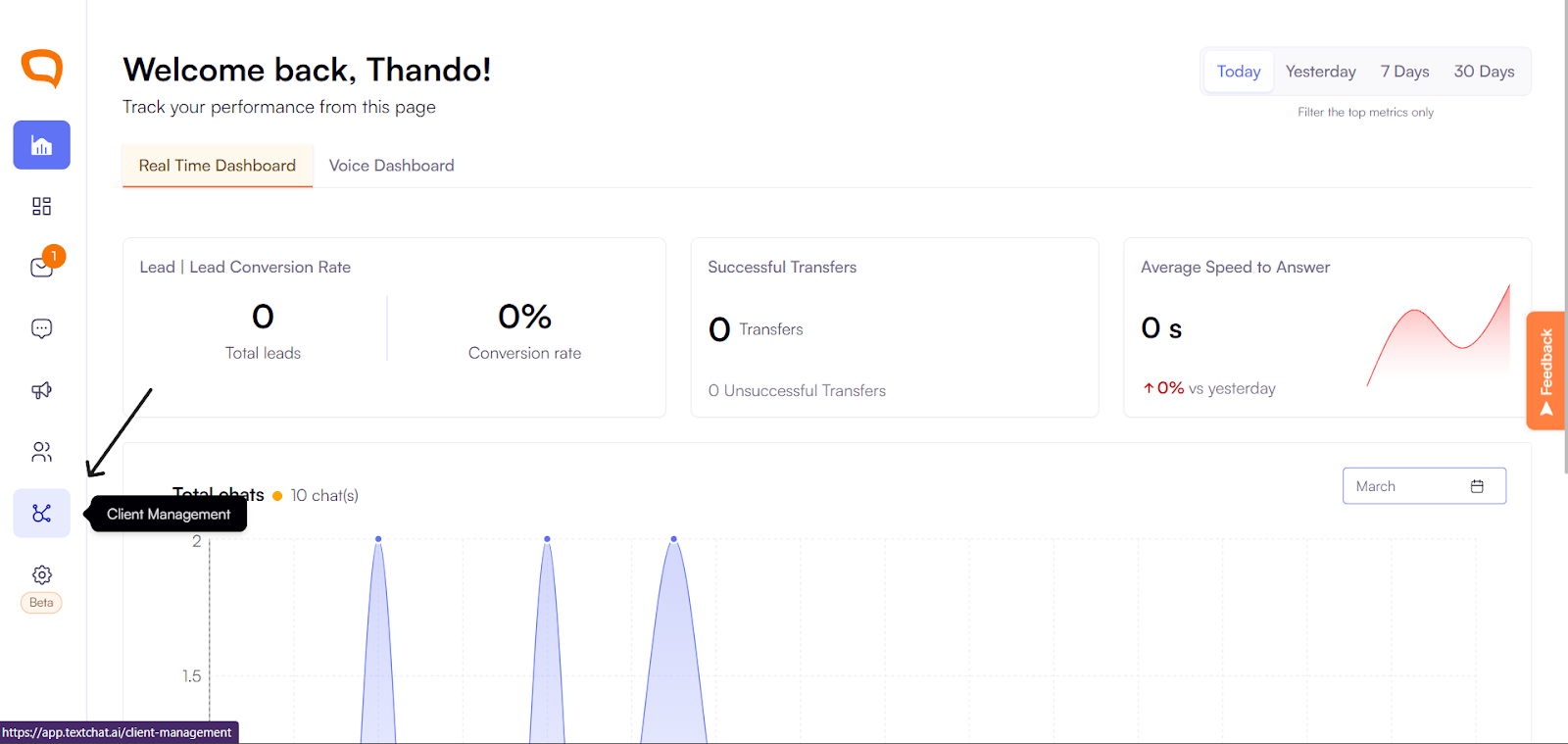
Click Client Management in the left-hand toolbar.
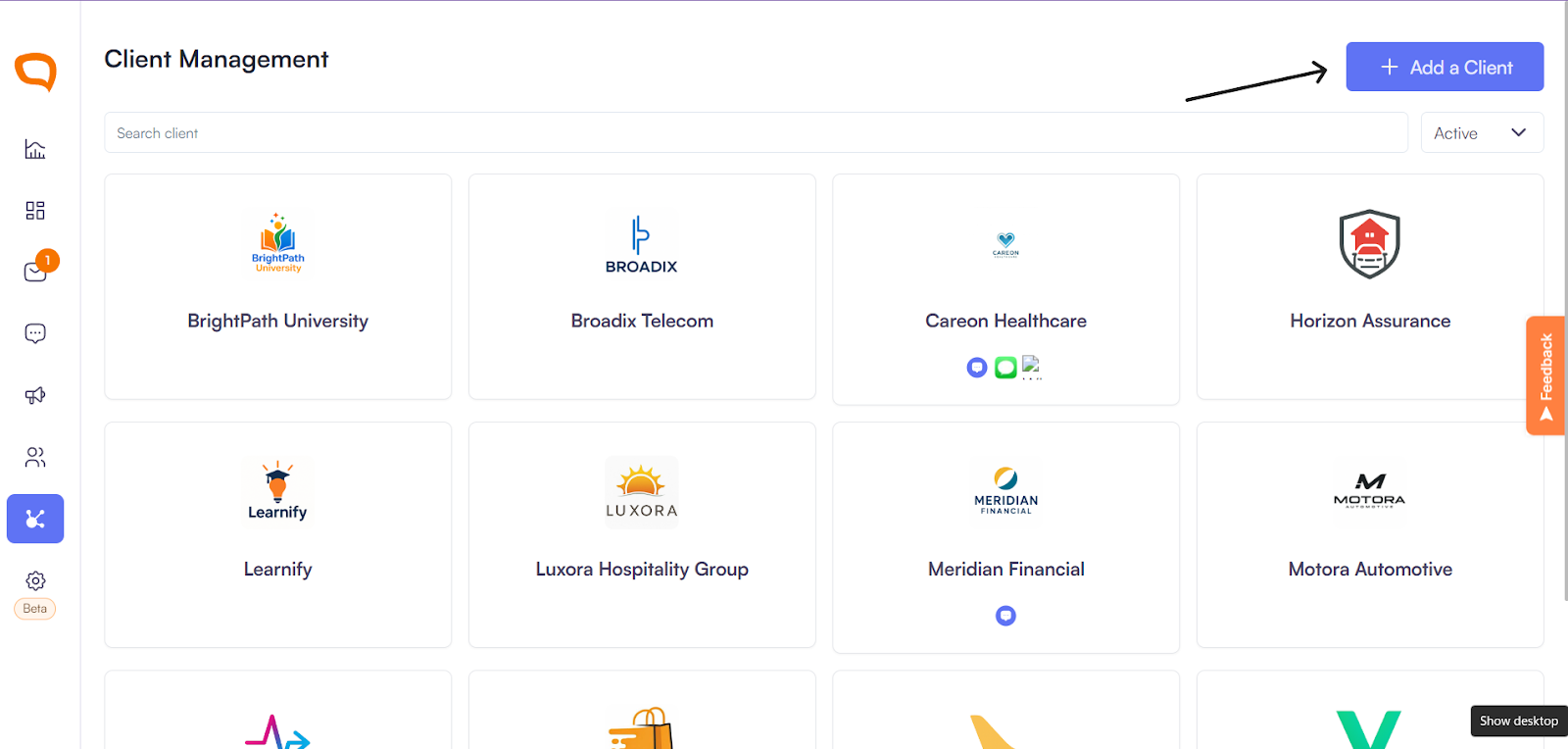
Click Add a Client in the top right corner.
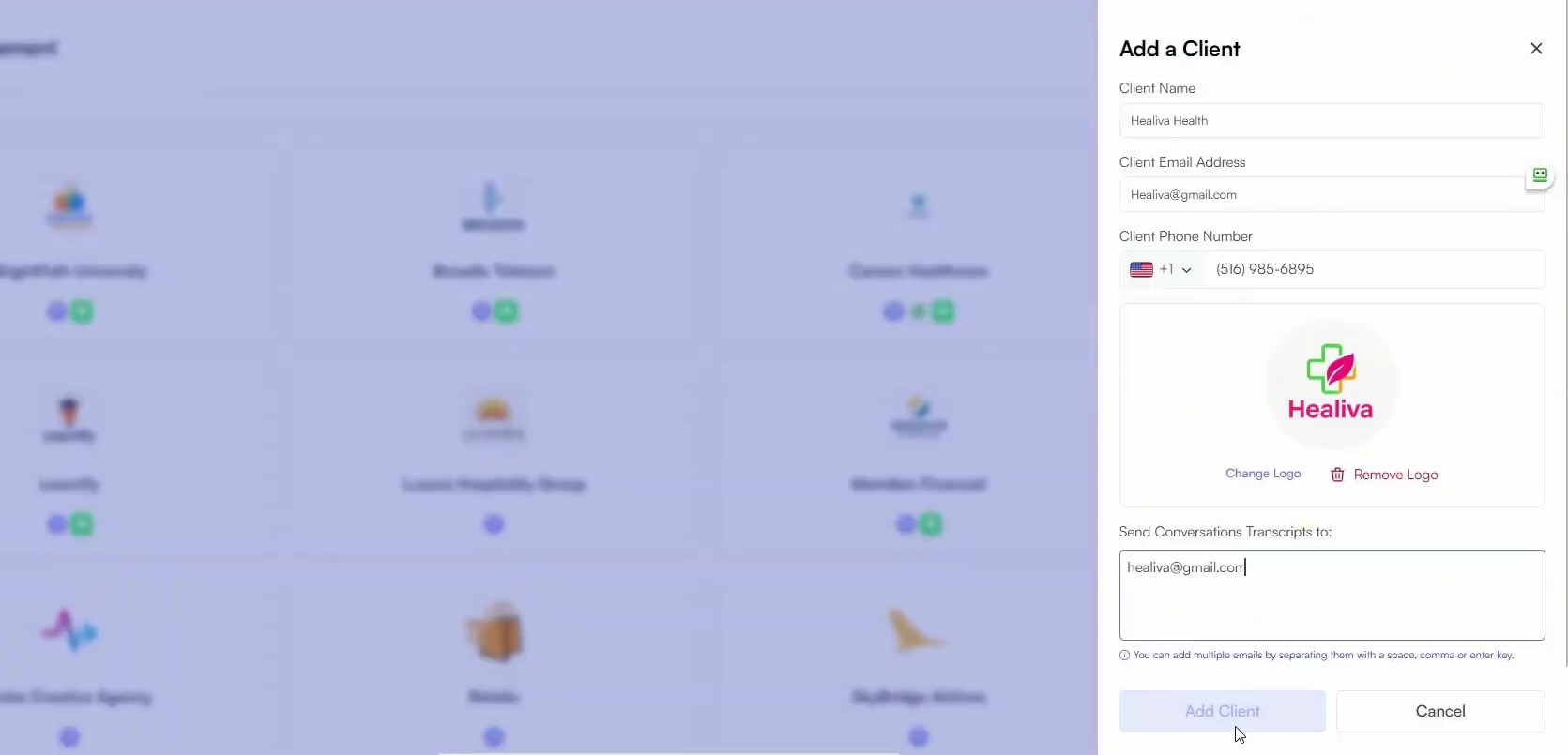
Enter the following details:
Client Name
Email Address
Phone Number
Upload the Client Logo
Transcript Email Address (where chat transcripts should be sent)
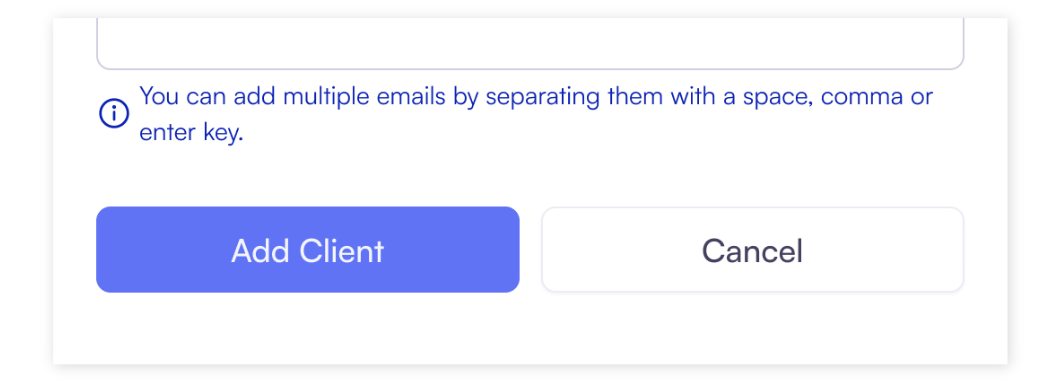
Click Add Client.
The client is now created and ready to use.
Best Practices
Use clear, recognizable client names
Upload logos for easier visual identification
Double-check transcript email addresses for accuracy