Dispositions
Dispositions are outcome labels used to classify the result of a conversation. They are required for certain workflows (such as transfers) and are essential for reporting and performance tracking.
Written By Thando Nomvungu
Last updated 21 days ago
How to create a Disposition
Go to Client Management
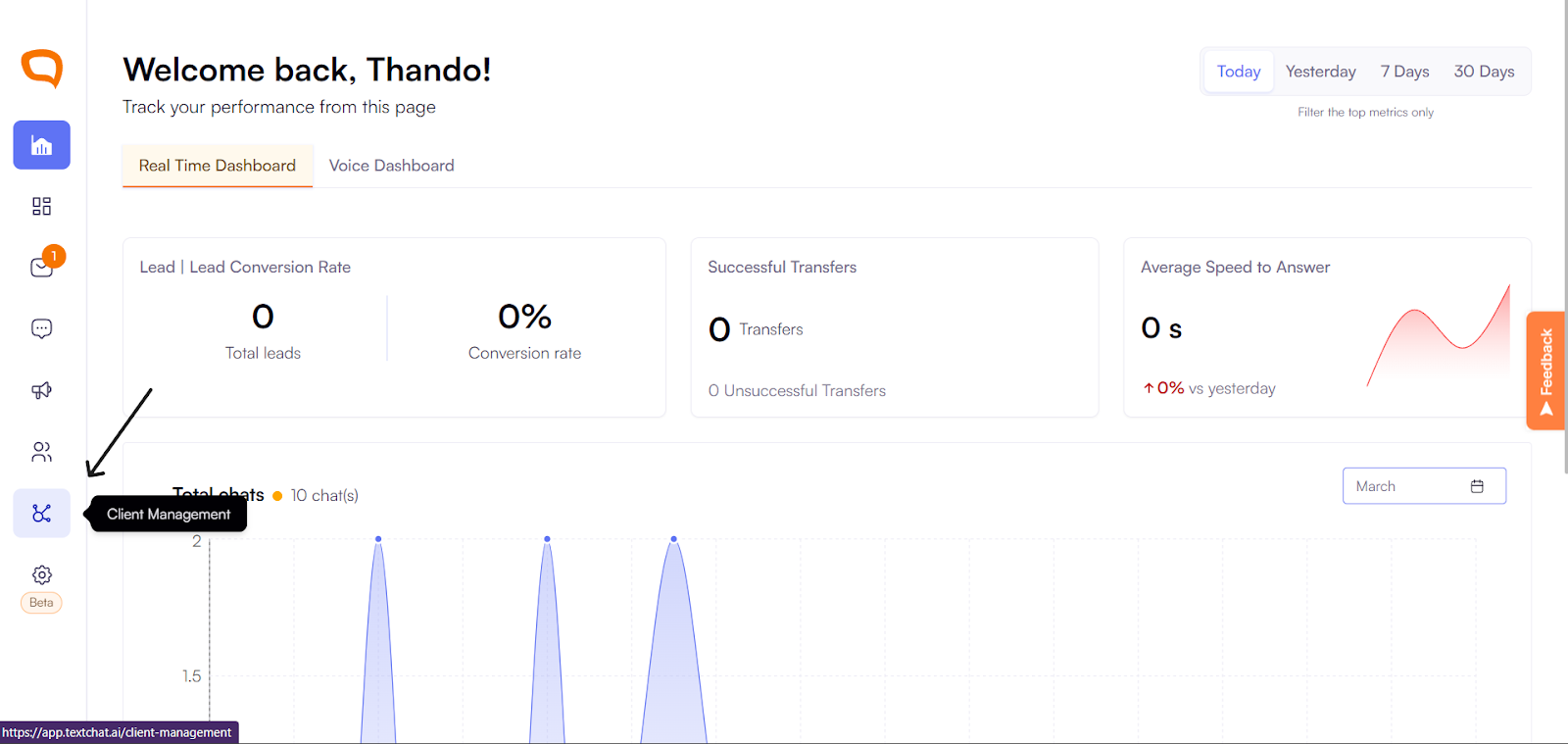
Select a client
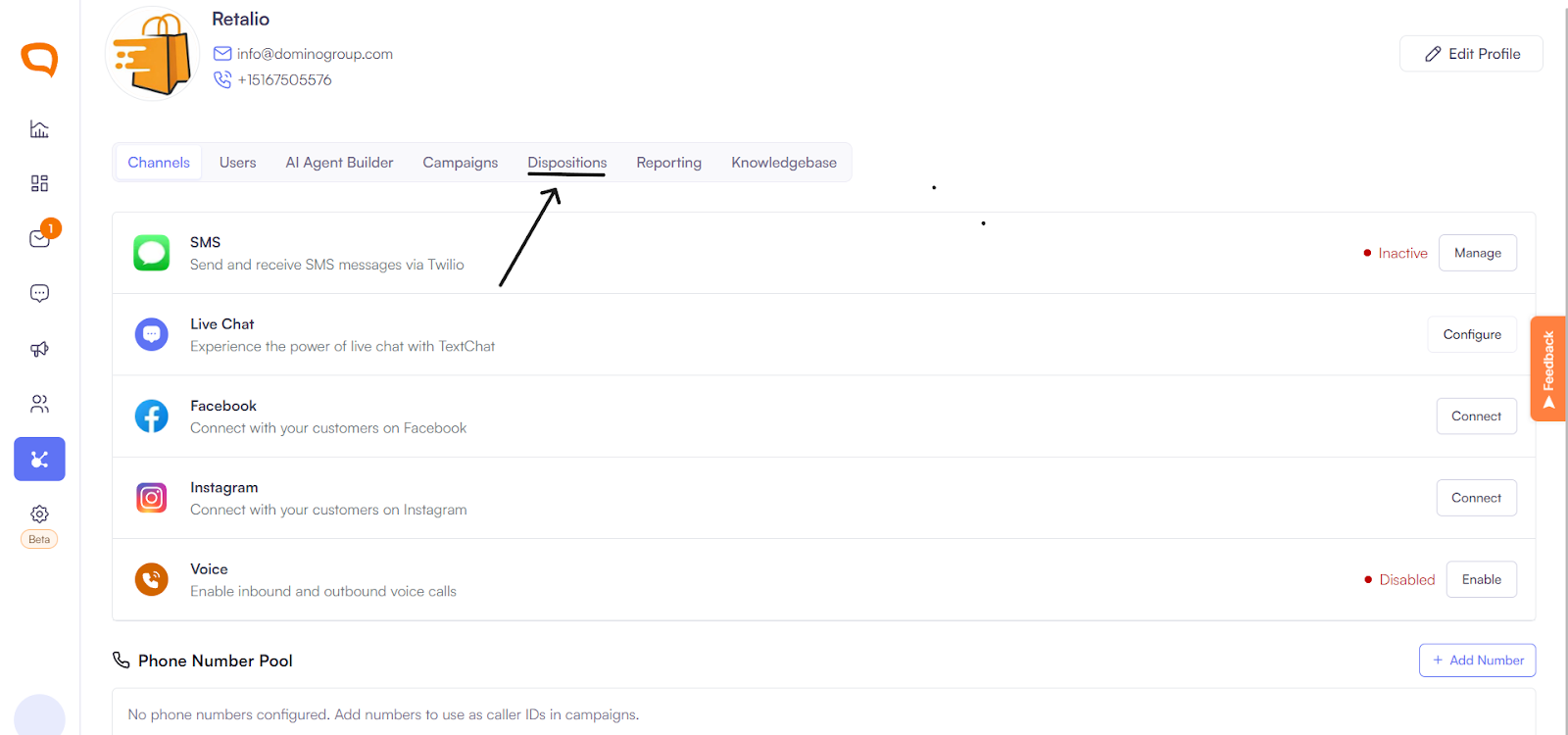
Click Dispositions in the menu.
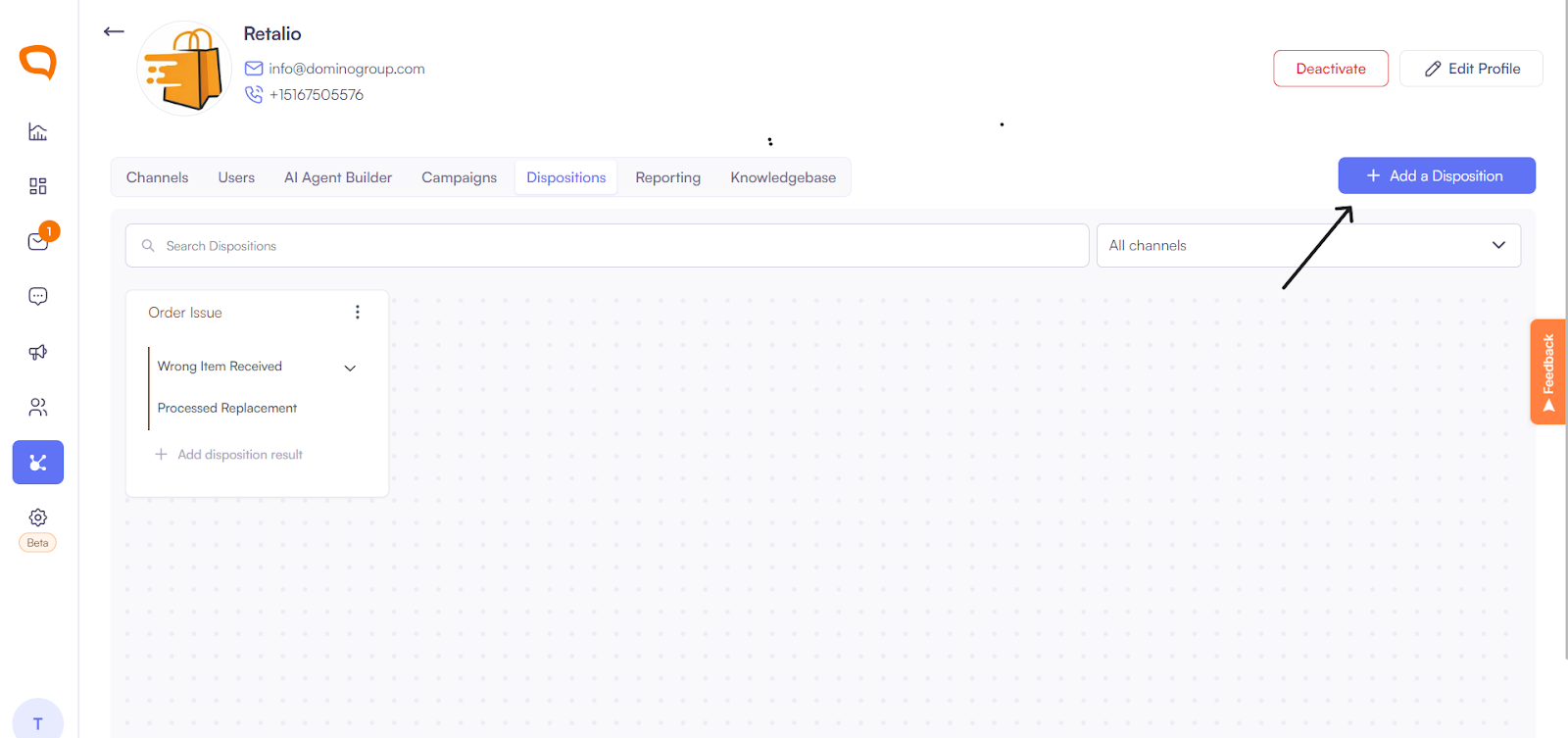
Click Add Disposition.
Enter the disposition name (e.g. Wrong Item Size).
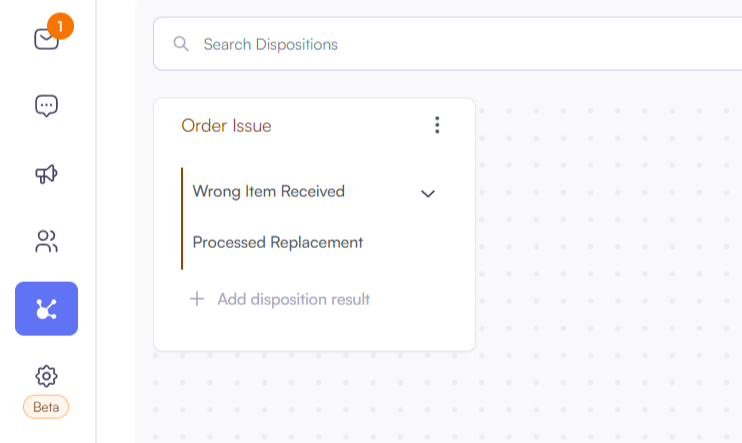
Add a description if required.
Save.
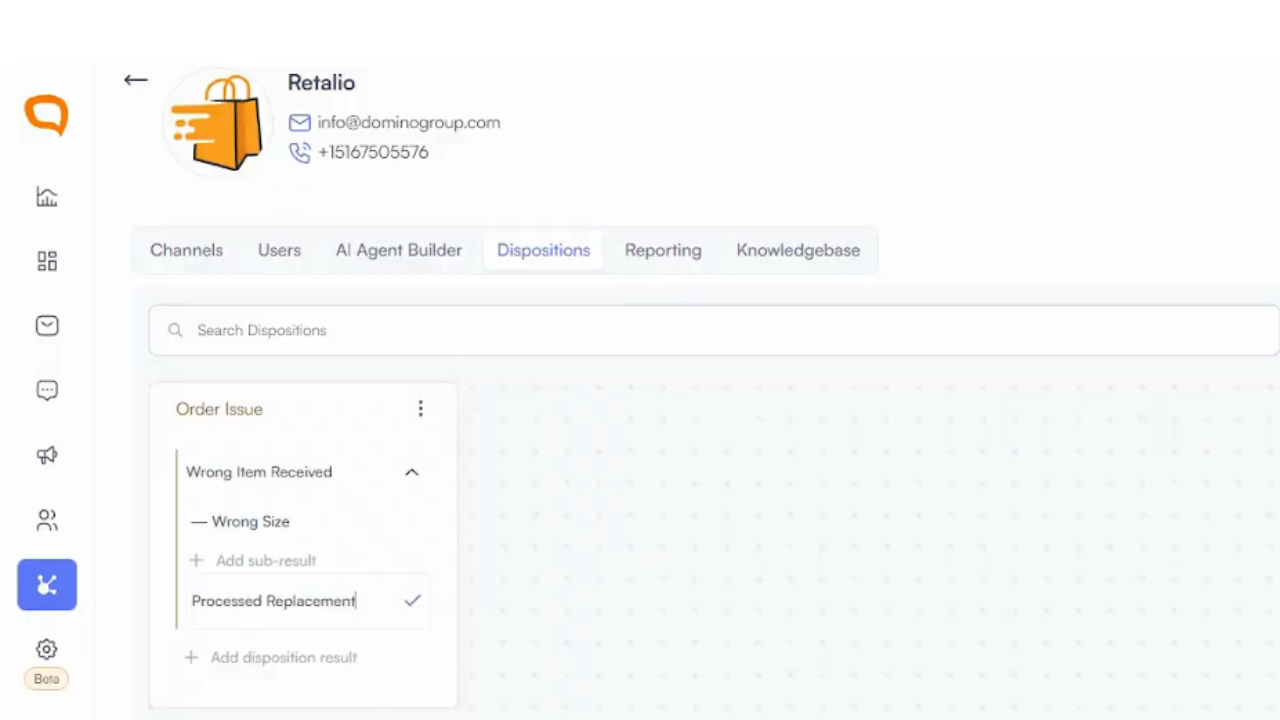
Using Main, Sub & Final Result Dispositions
You can create main dispositions with unlimited sub dispositions.
You can also assign a final result disposition to capture the ultimate outcome of the interaction.
Example:
Main: Order Issue
Sub: Wrong Size Item
Final Result: Replacement Sent
Assigning a Disposition
In the active conversation, select the appropriate Disposition.
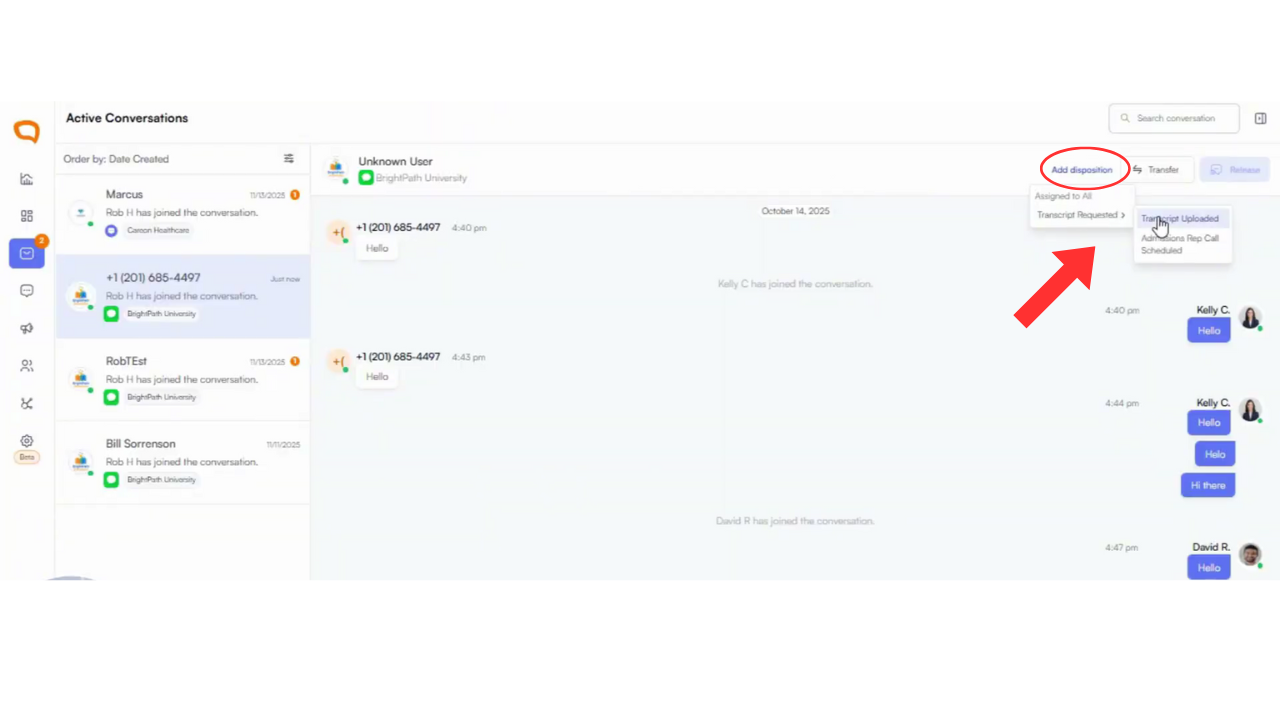
Save the disposition successfully.
Best Practices
Keep disposition structures simple and logical
Train agents and admins on correct usage
Review disposition lists regularly to ensure relevance