Viewing transcripts
Super Admins can monitor active conversations in real time without interrupting agents or the customers. This provides full visibility for quality assurance, coaching, and training purposes.
Written By Thando Nomvungu
Last updated 21 days ago
How to View an Active Conversation
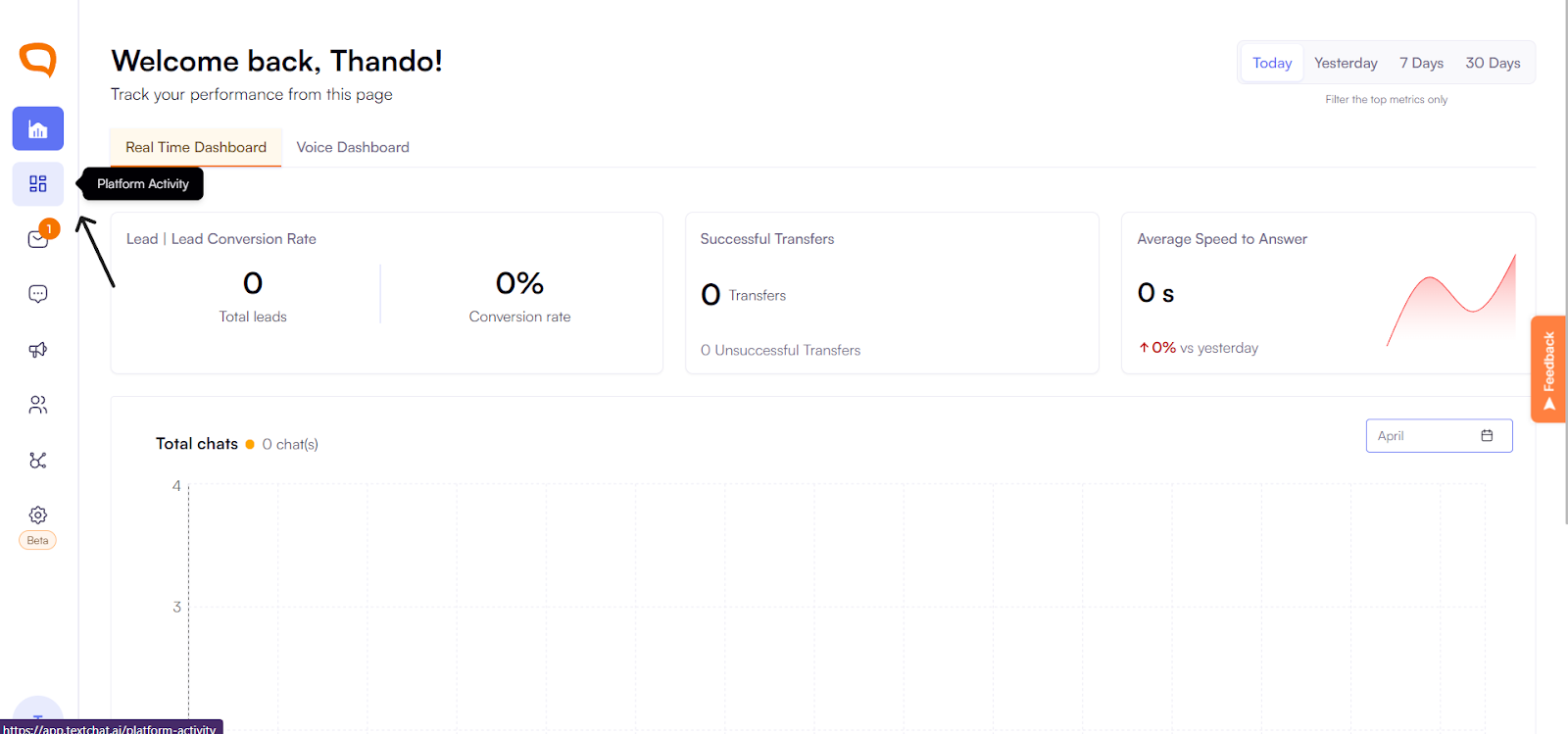
Navigate to Platform Activity.
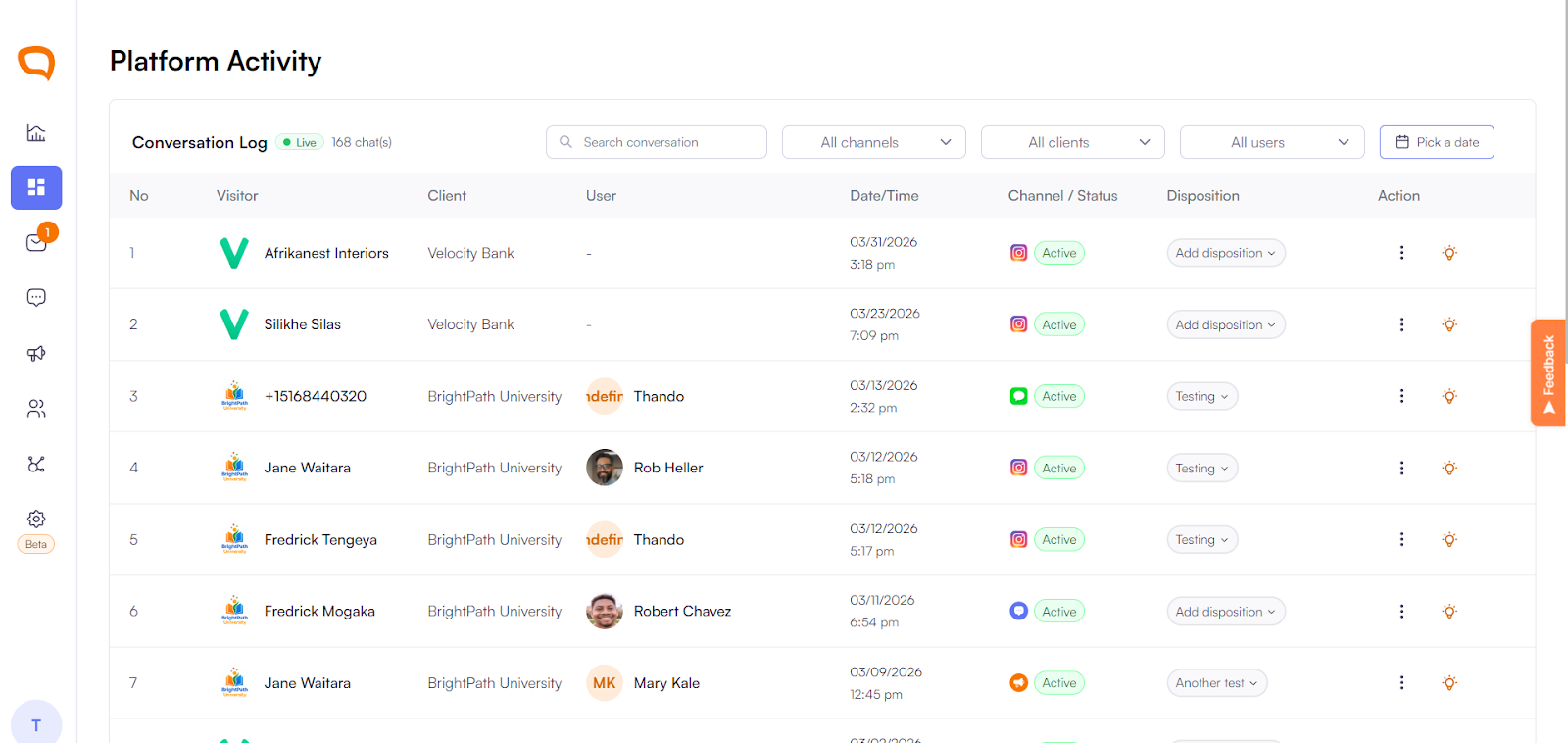
Locate the active conversation you want to review.
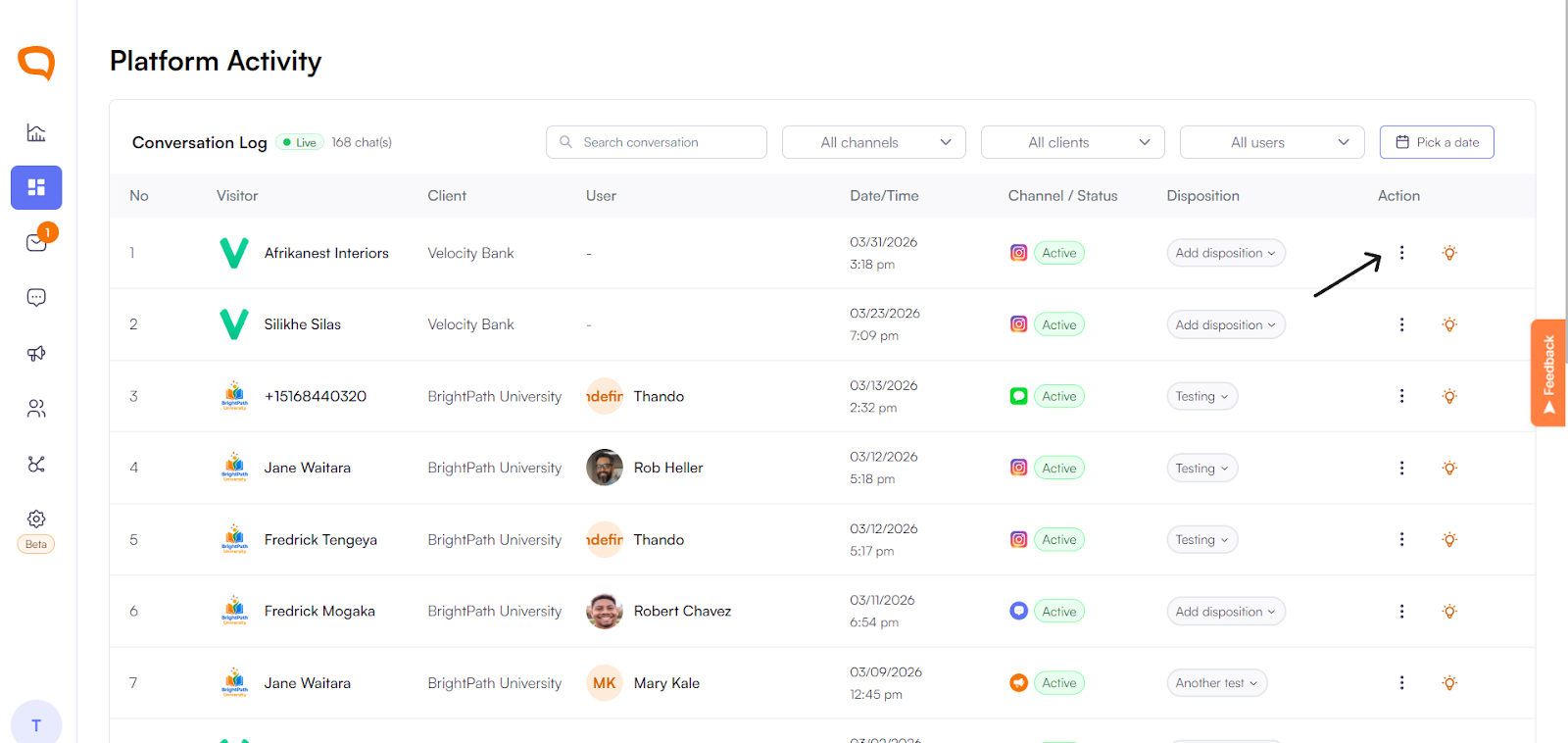
Click the three-dot menu on the conversation.
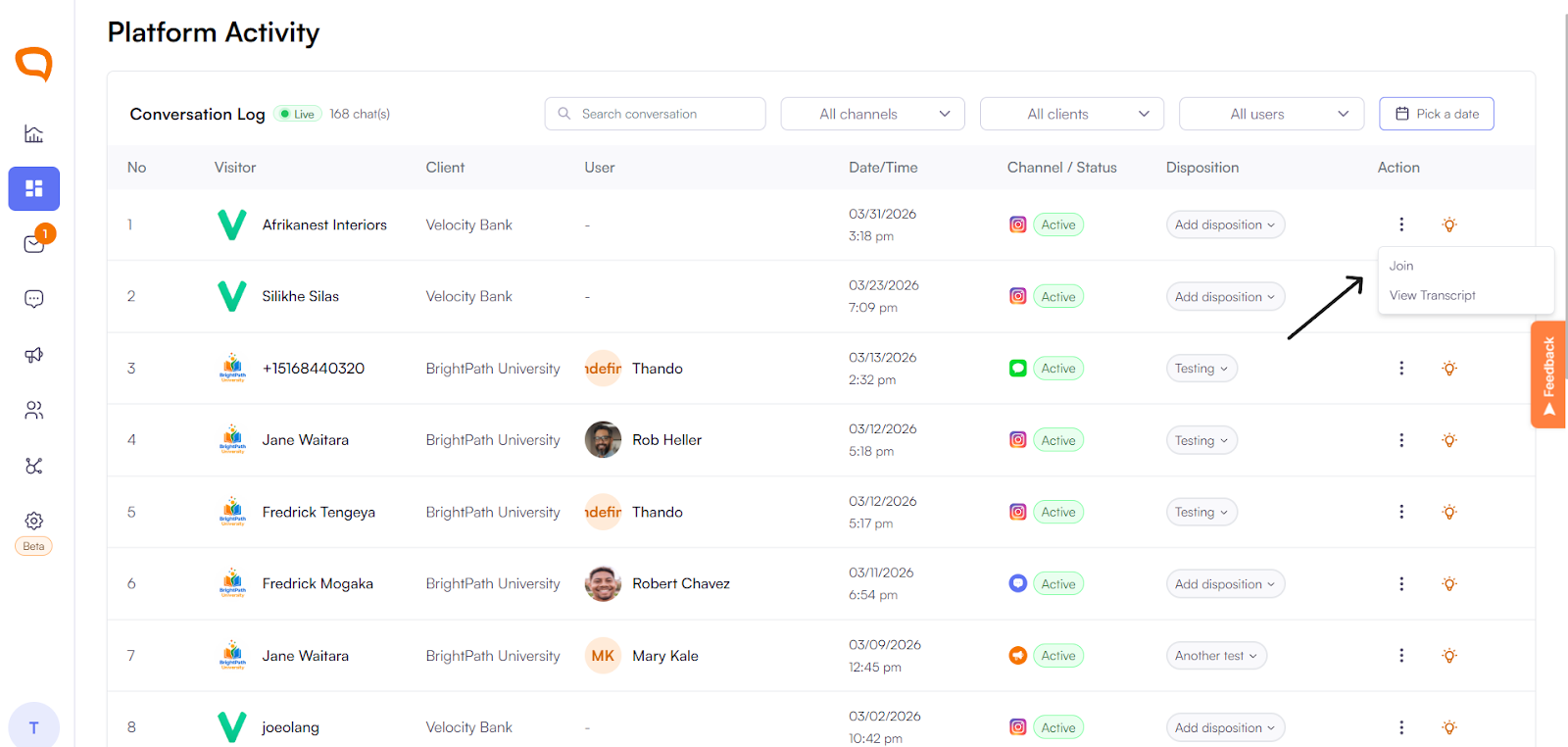
Select View Transcript.
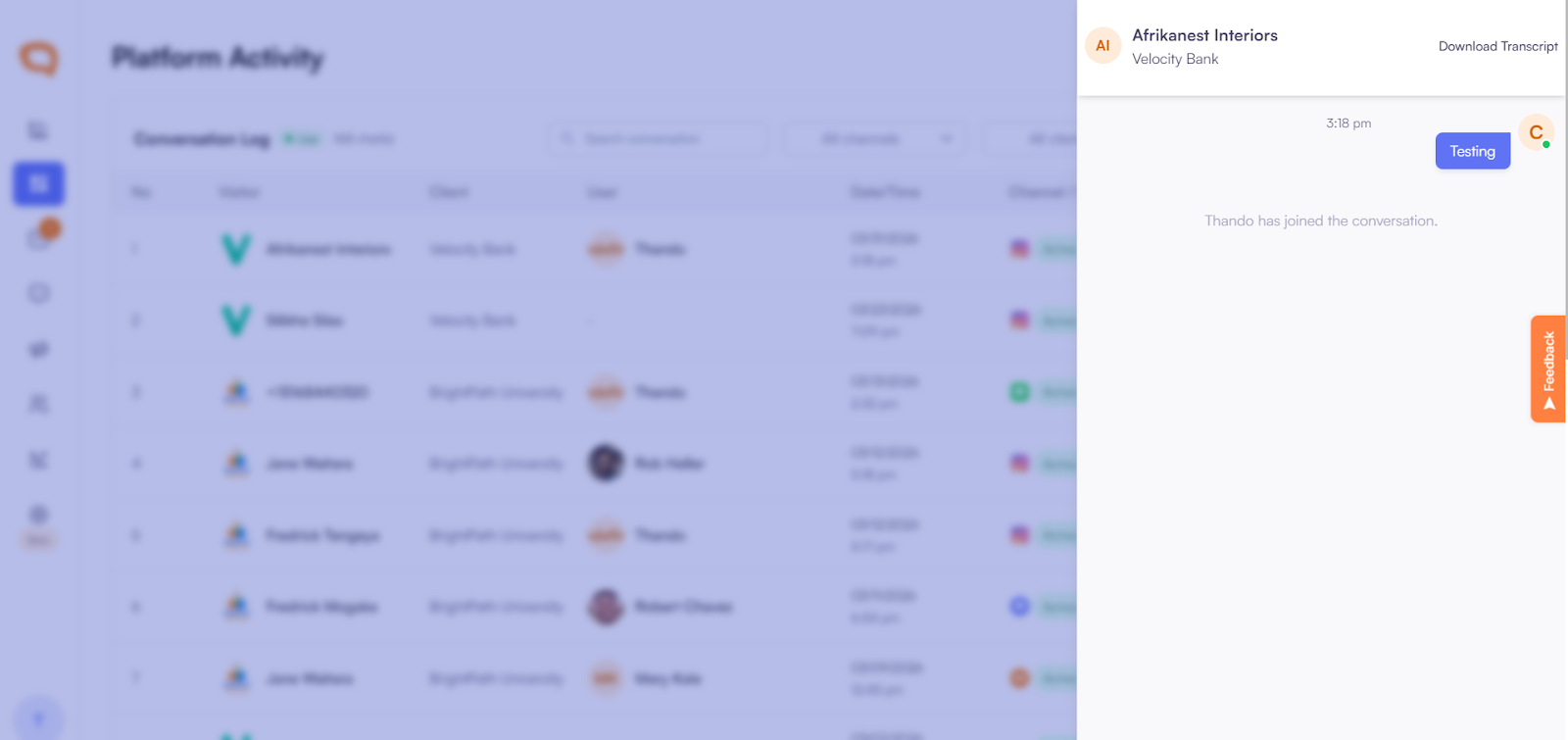
Viewing the Transcript
The transcript opens the full conversation thread.
Super Admins can see:
All messages exchanged between the agent and the customer.
The complete conversation history in real time.
Why This Matters
Monitor conversation quality without disruption
Identify coaching and training opportunities
Ensure consistent service standards
Maintain oversight across active conversations