Connecting Instagram to Palera
Connecting Instagram allows you to manage direct messages from your Instagram account in Palera’s unified inbox. Once connected, your team can view and respond to Instagram messages alongside other channels like SMS, Facebook, and Live Chat.
Written By Thando Nomvungu
Last updated 21 days ago
Don’t have an Instagram Professional Account? Create one using this guide.
Requirements
Before connecting Instagram, ensure you have:
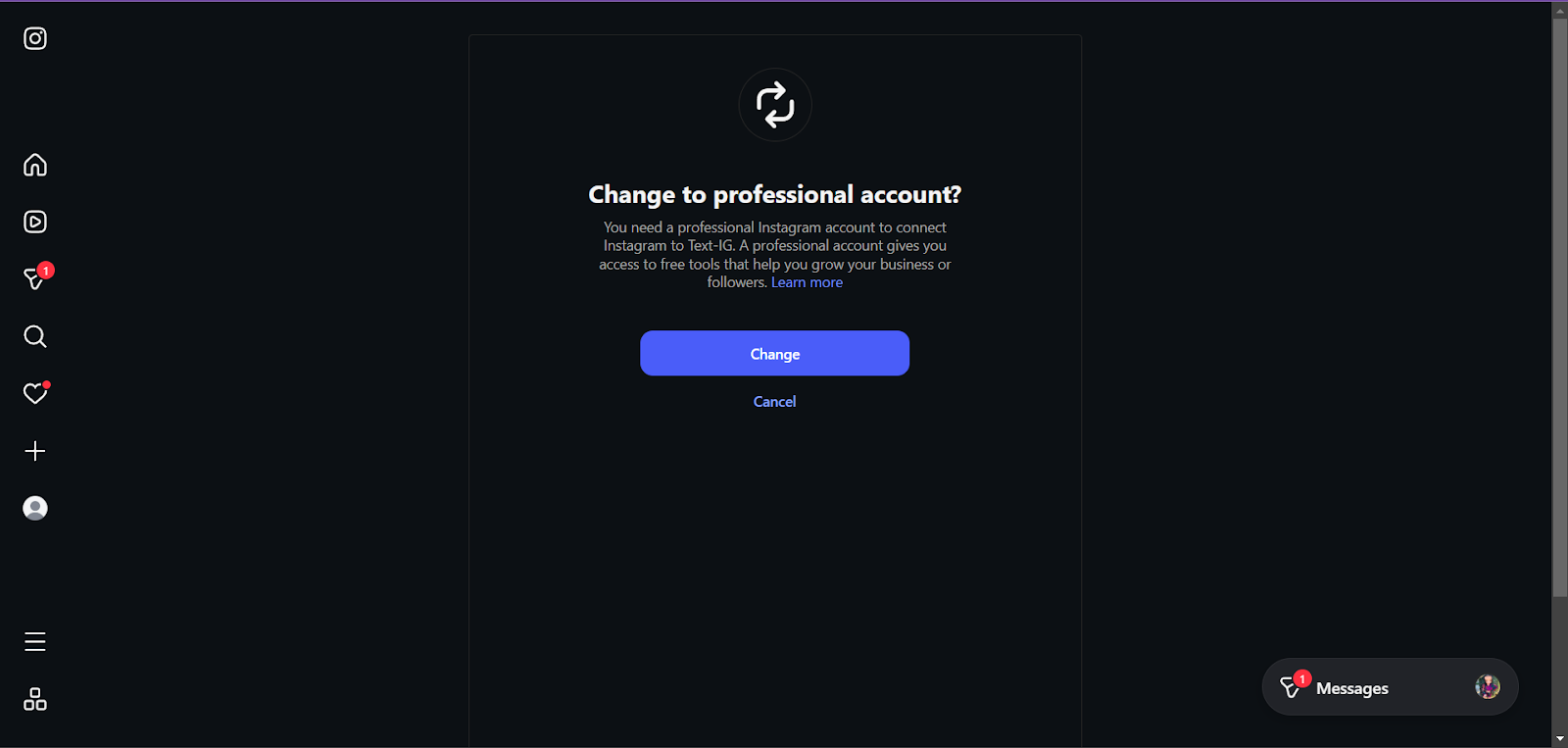
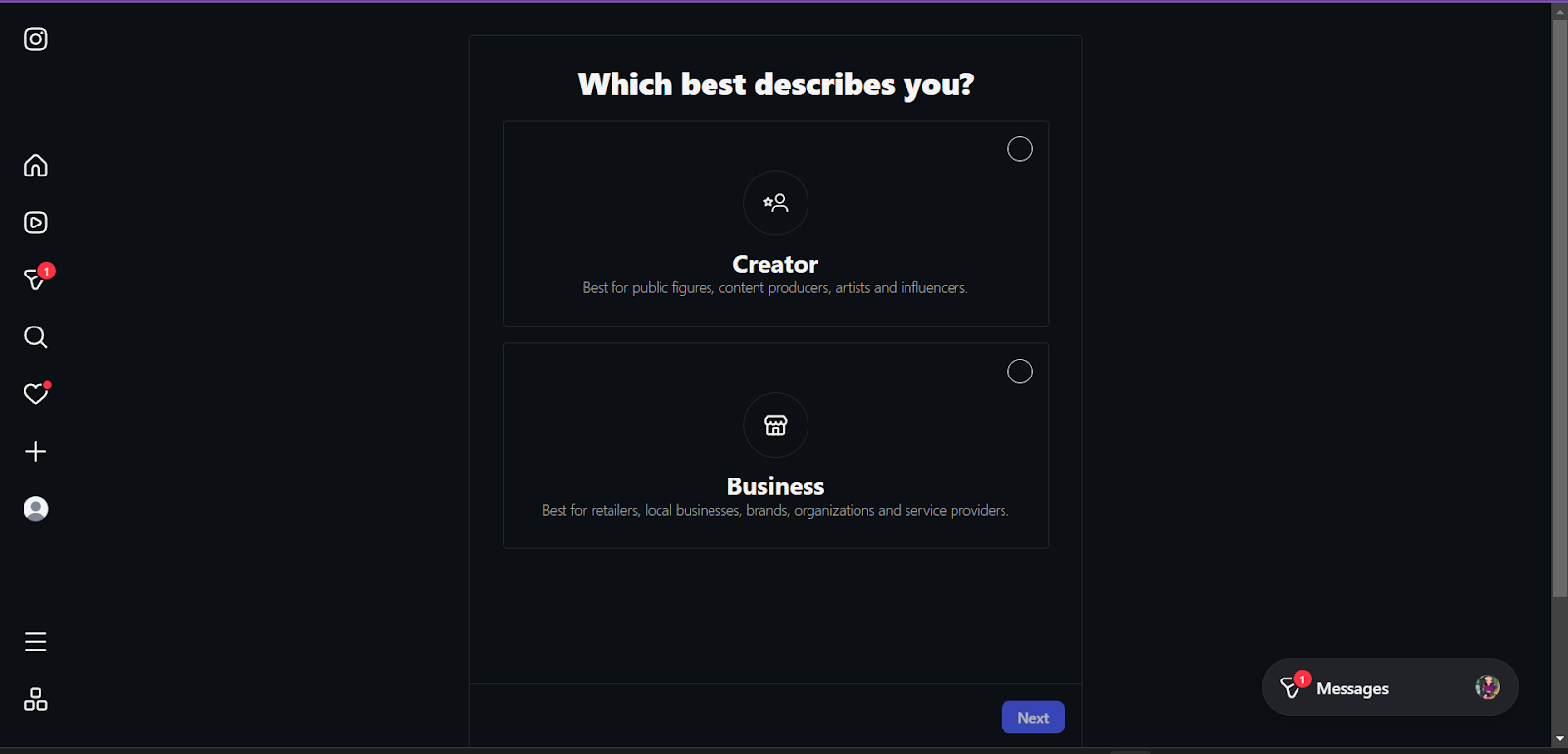
An Instagram Professional account (Business or Creator)
Login credentials for the Instagram account
The account must be public (recommended for proper message delivery)
Personal Instagram accounts are not supported and must be converted before connecting.
How to Connect Instagram
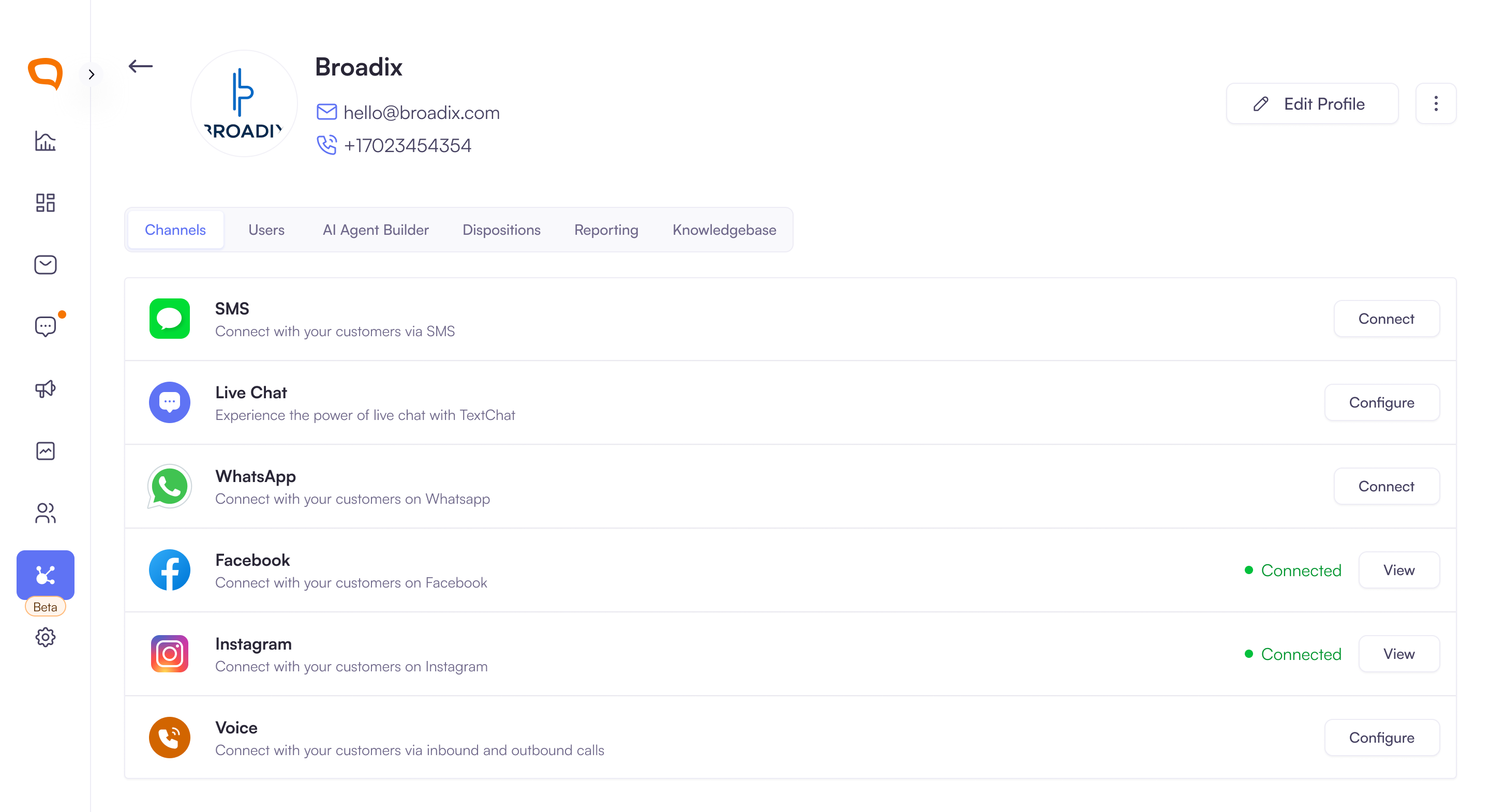
Navigate to Client Management > [Client Name] > Channels
Go to the Instagram channel and click Connect.
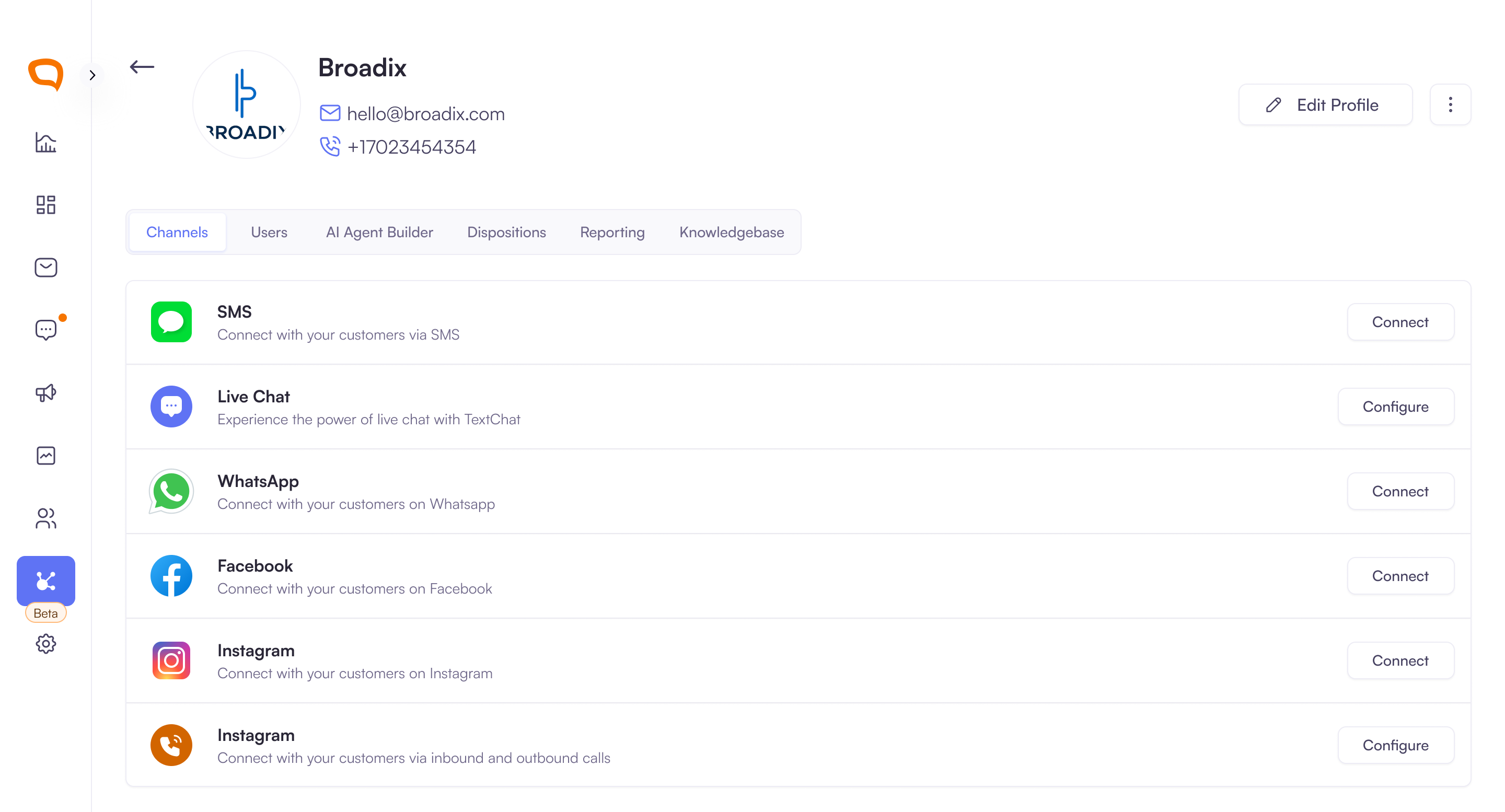
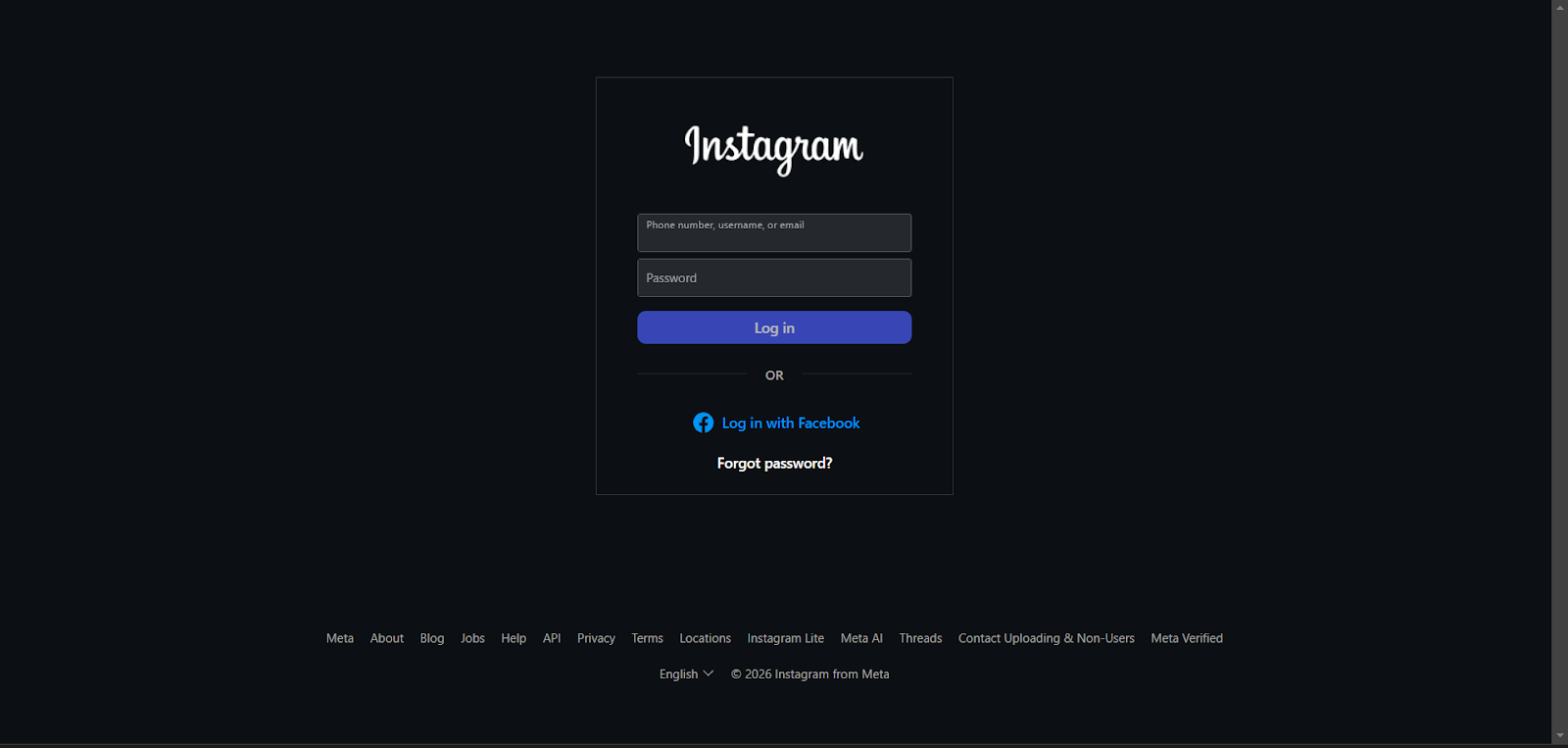
You will be redirected to Instagram:
Log in to the correct account
If prompted, switch to a Professional (Business or Creator) account
Review the permissions requested:
Manage messages
Manage comments
Access and publish content
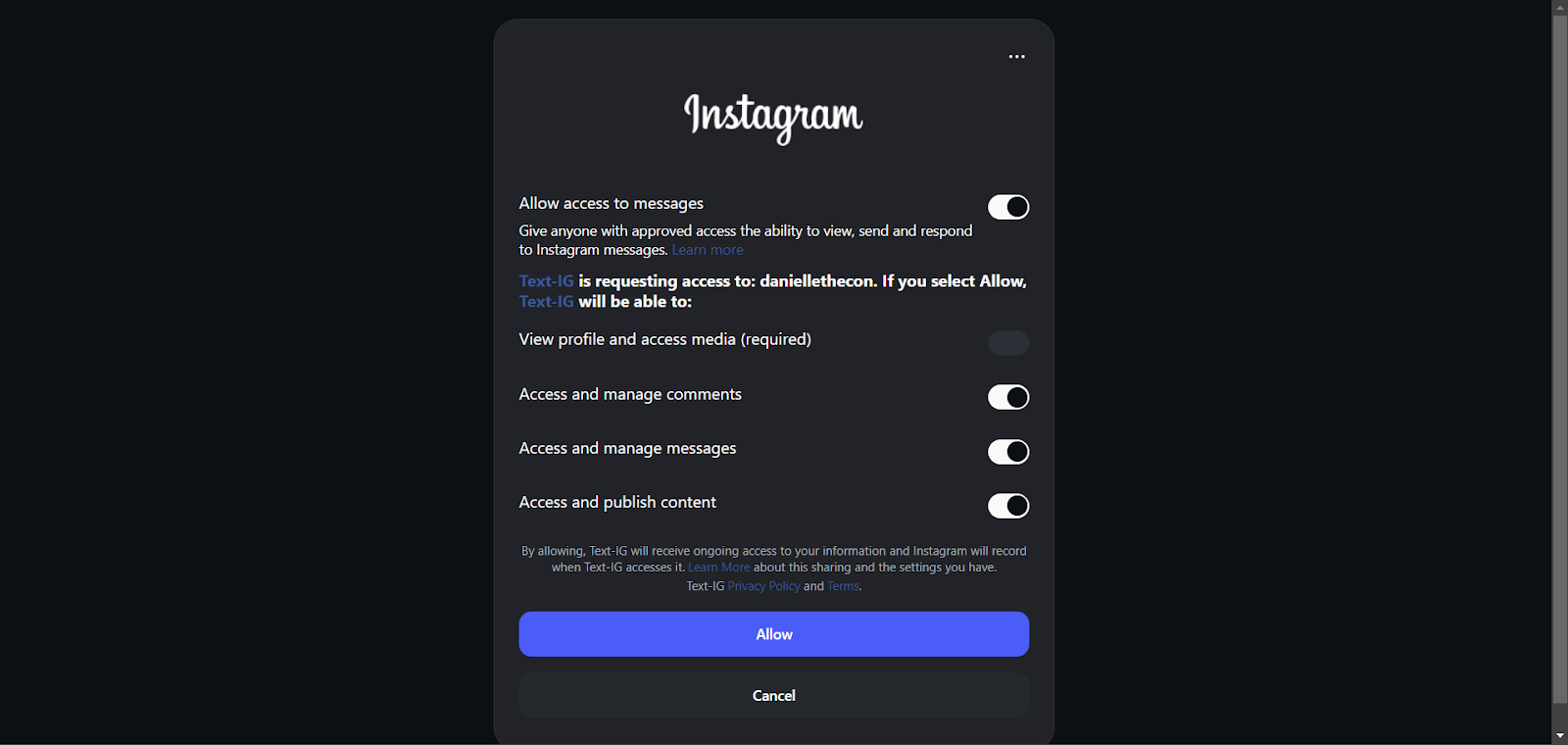
Click Allow to grant access.
You will be redirected back to Palera.
Confirm the account shows as Connected.
How to Verify the Connection
Navigate to the Instagram channel for your client
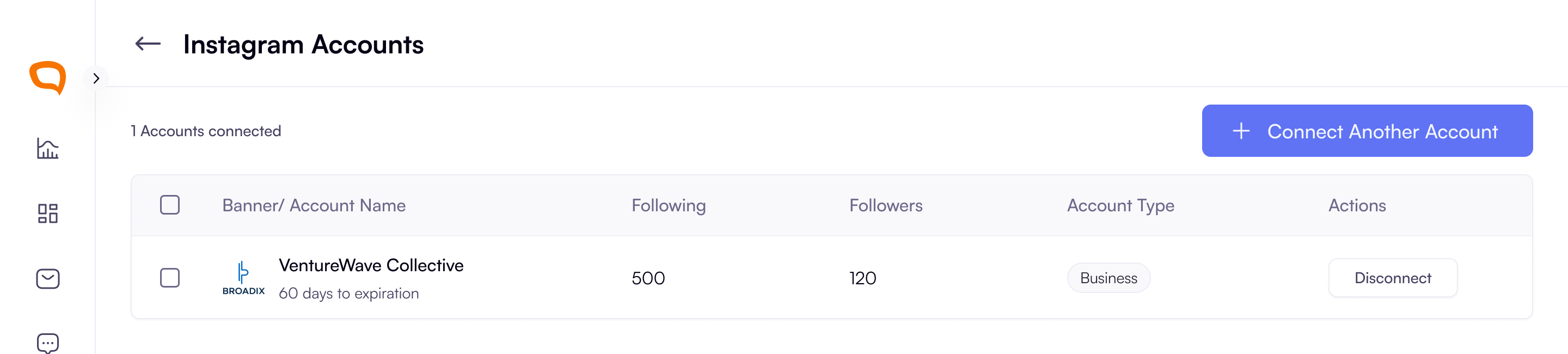
Click View to see:
Connected account(s)
Connection status
Token expiry information
Note:
Instagram connections use an access token that expires (typically after ~60 days)
Palera attempts to auto-renew the token to avoid disruptions
If renewal fails, you may need to reconnect the account manually
Messaging Behaviour
Incoming Instagram messages will appear in the Active Conversations
Conversations are handled like any other channel (routing, replies, tracking)
Note on Message Requests:
Instagram may place messages in Message Requests instead of the main inbox
This can prevent messages from appearing in Palera immediately
To avoid this:
Ensure the account is public
Adjust Instagram message settings where possible
Managing Connected Accounts
You can connect multiple Instagram accounts per client
You can also:
Disconnect accounts
Reconnect if needed
Conversation history remains in Palera even after disconnecting
Key Features
Unified Inbox – Manage Instagram alongside all other channels
Multi-Account Support – Connect multiple Instagram profiles
Auto Token Renewal – Reduces need for manual reconnection
Seamless Messaging – Respond to customers in real time
Best Practices
Use a Business or Creator account for full functionality
Keep the account public to avoid message request issues
Periodically check connection status to avoid disruptions
Test messaging after setup to ensure messages are received correctly