Knowledge Base Setup
The Knowledge Base allows you to provide agents with structured, searchable information directly inside the Message Center. Content is managed through a connected Google Doc, ensuring updates are reflected instantly.
Written By Thando Nomvungu
Last updated 21 days ago
How to Set Up a Knowledge Base
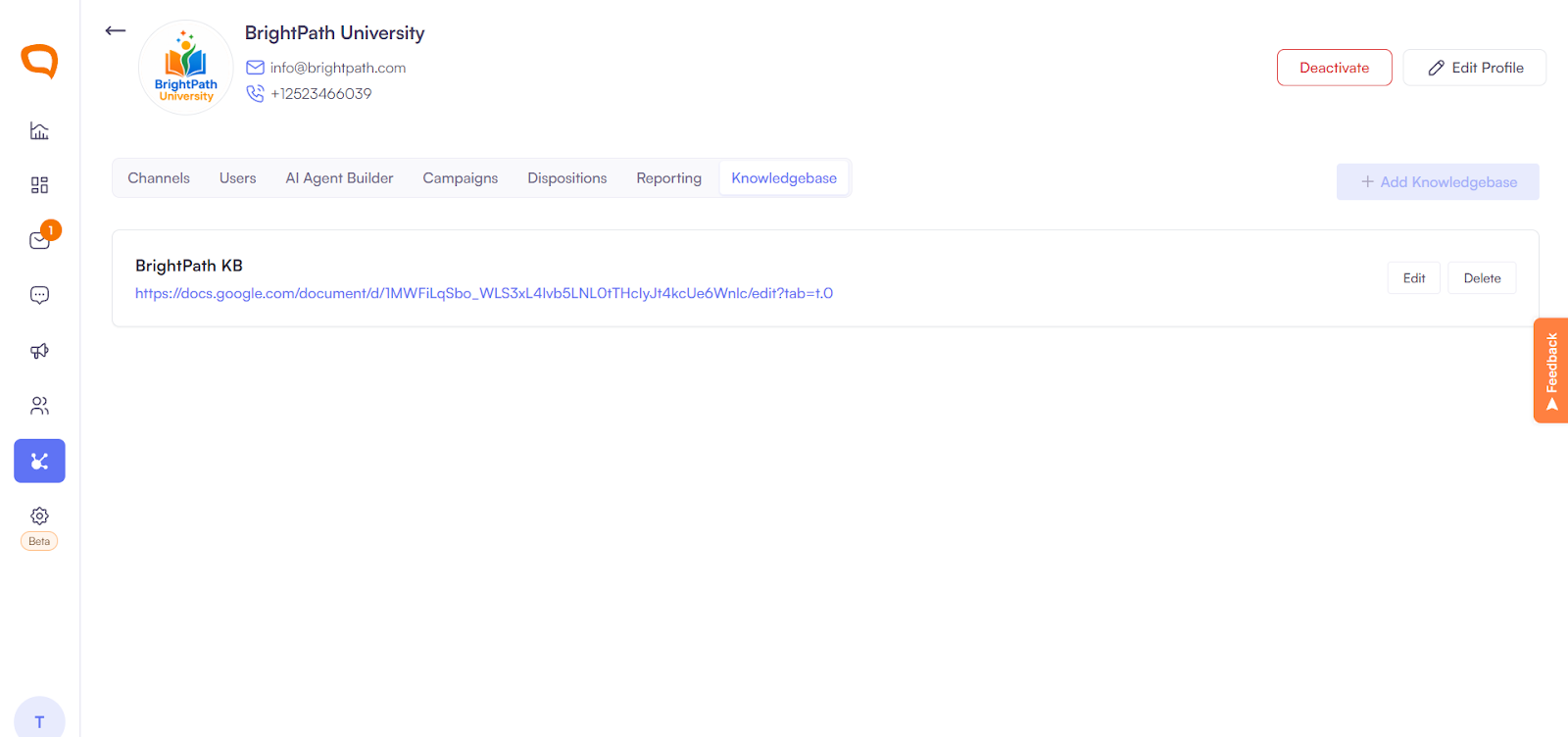
Navigate to Client Management.
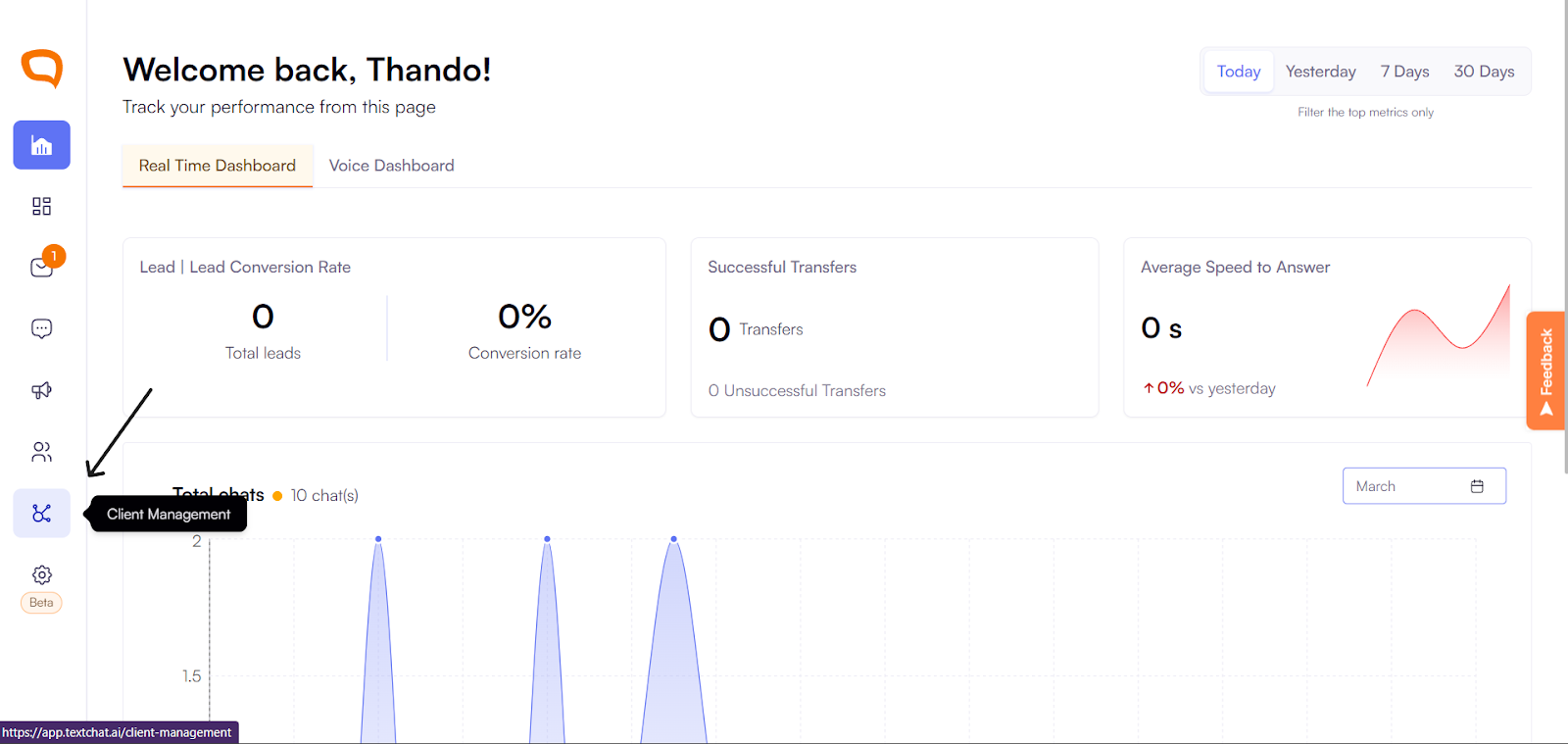
Select the client you want to configure.
Click on Knowledge Base
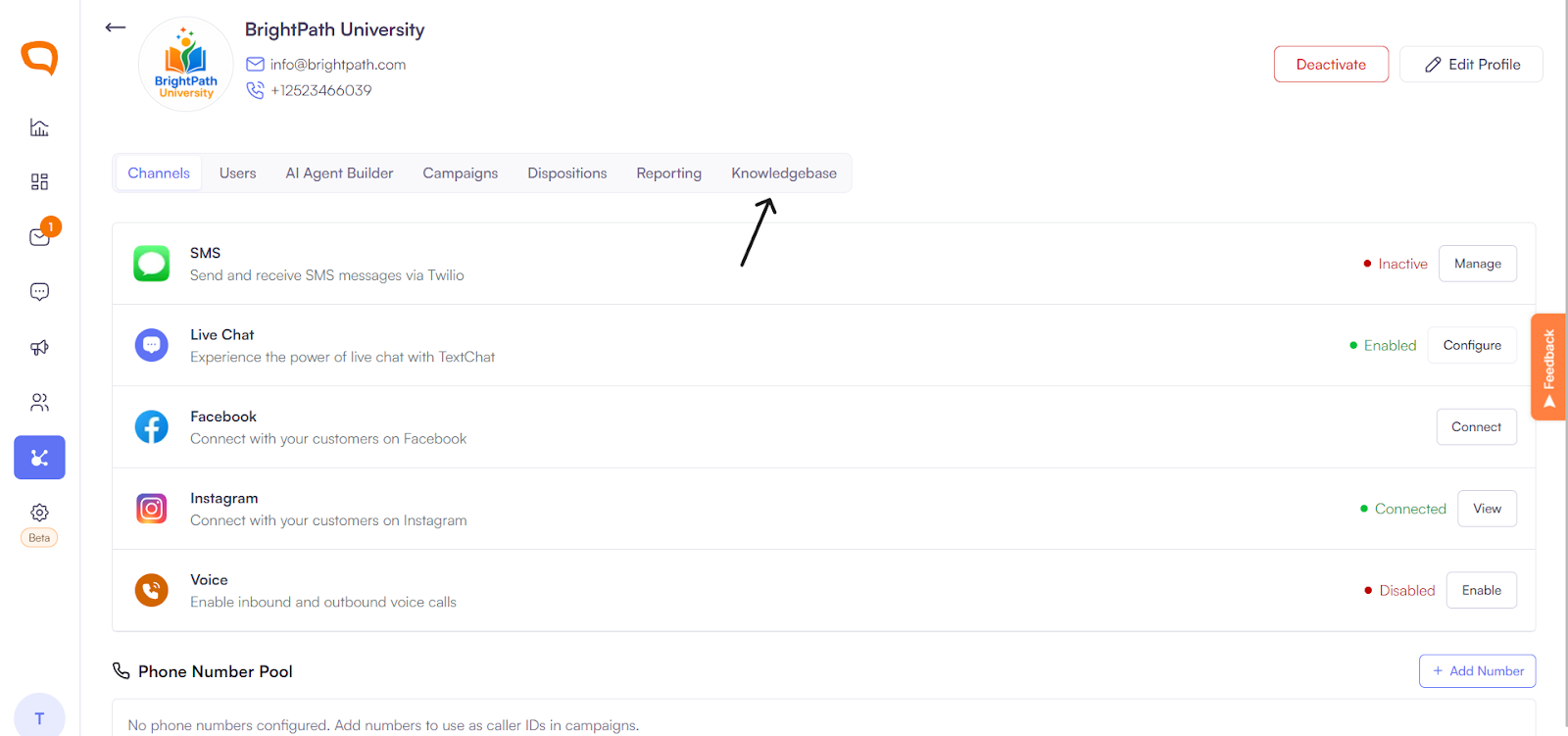
Select Add Knowledge Base.
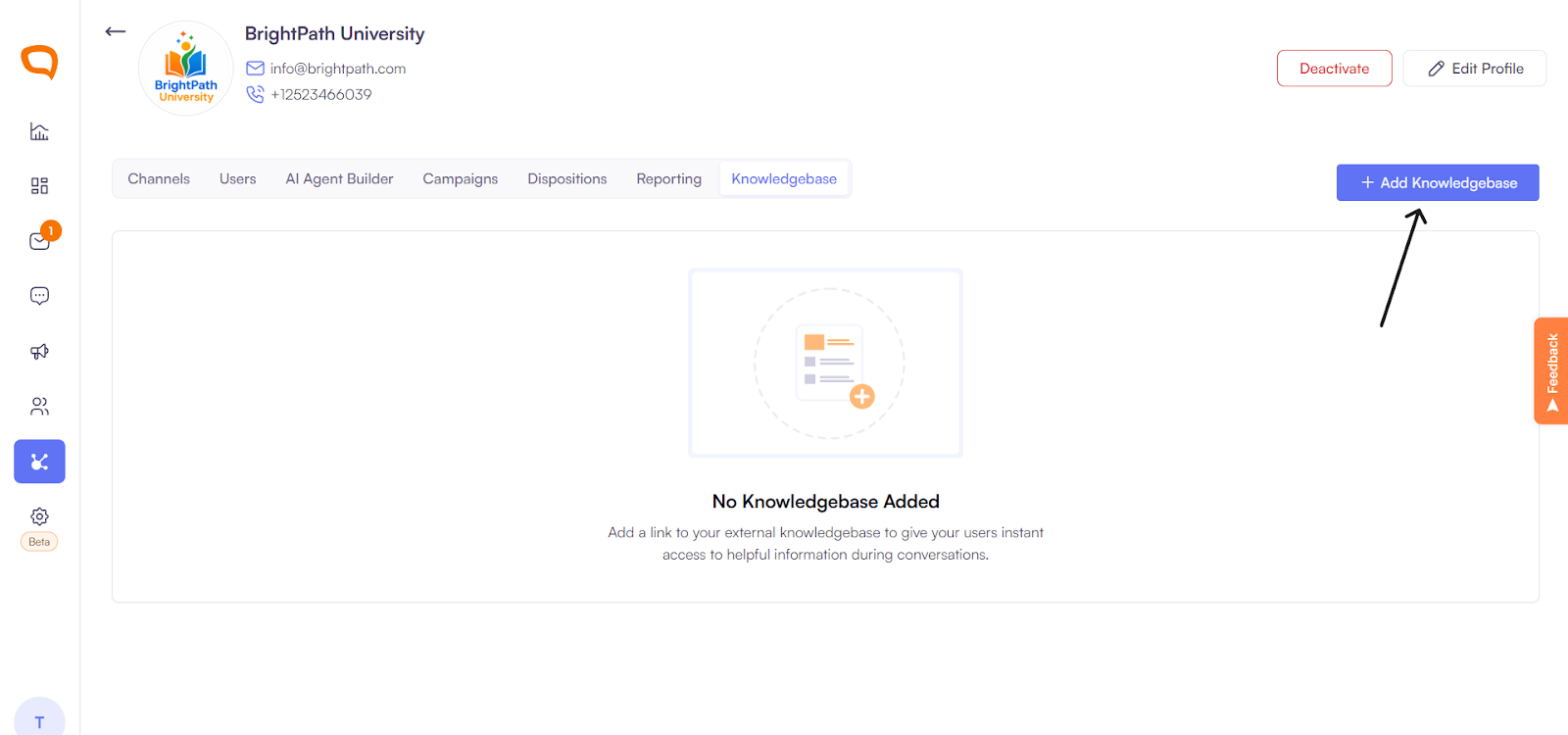
Enter a name for your knowledge base.
Paste the Google Doc URL containing your knowledge base content.
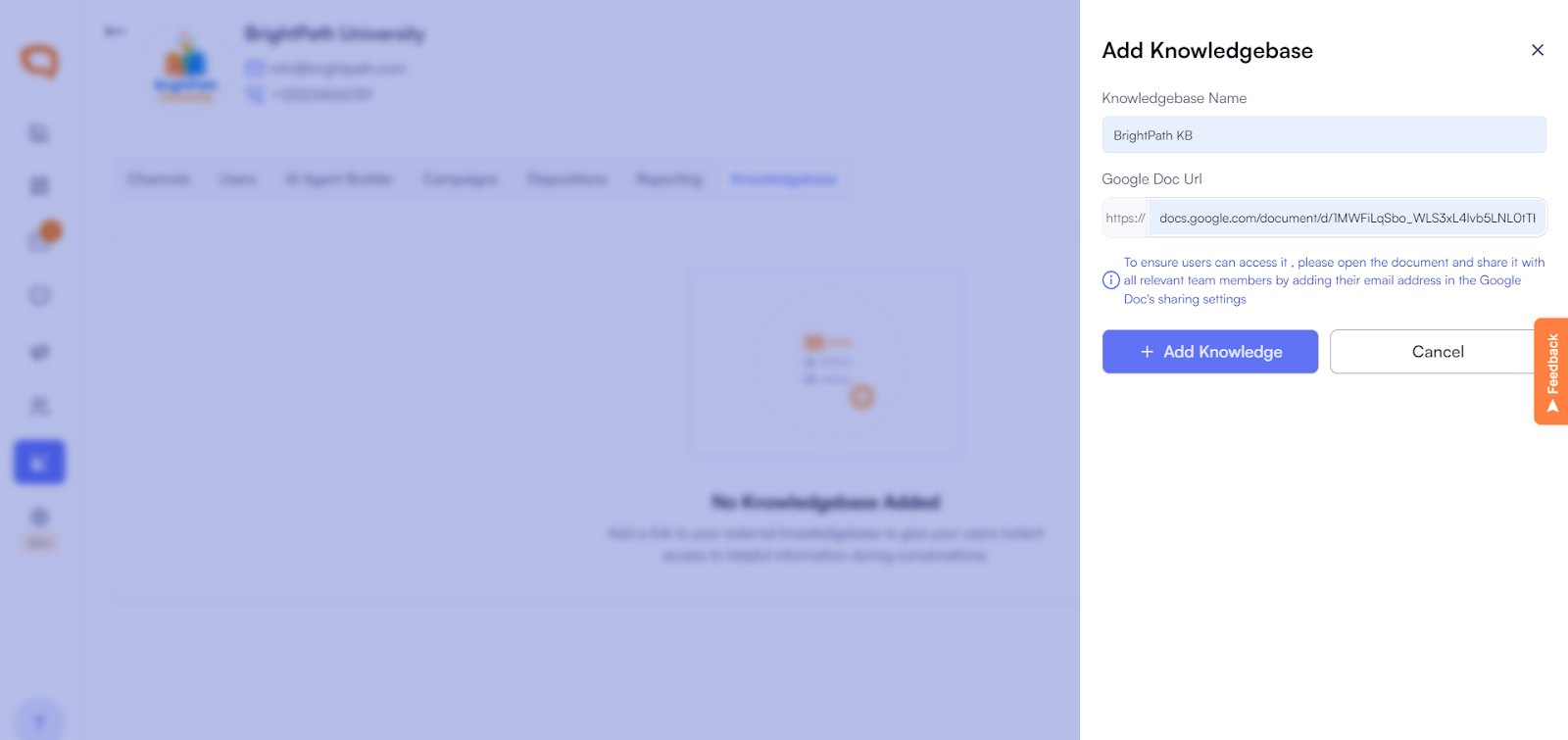
Click Add Knowledge to save.
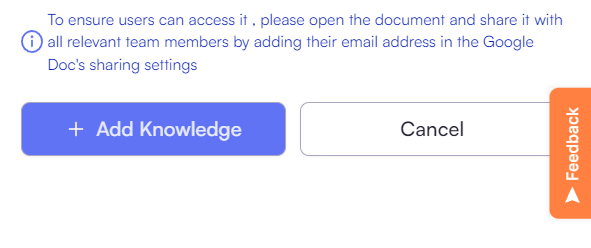
Once saved, the knowledge base becomes available for agents inside conversations.
How Agents Use the Knowledge Base
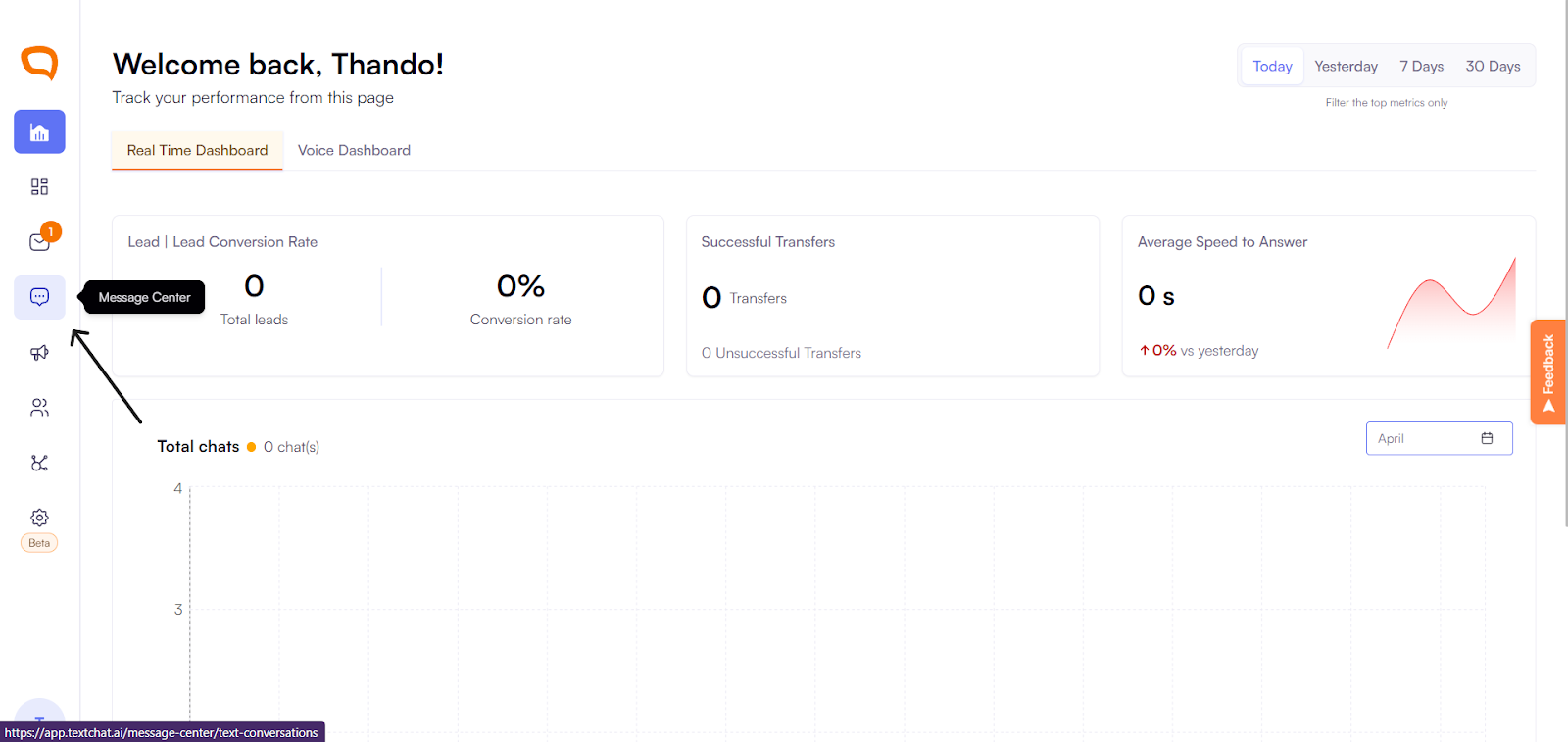
Go to the Message Center.
Open any active conversation.
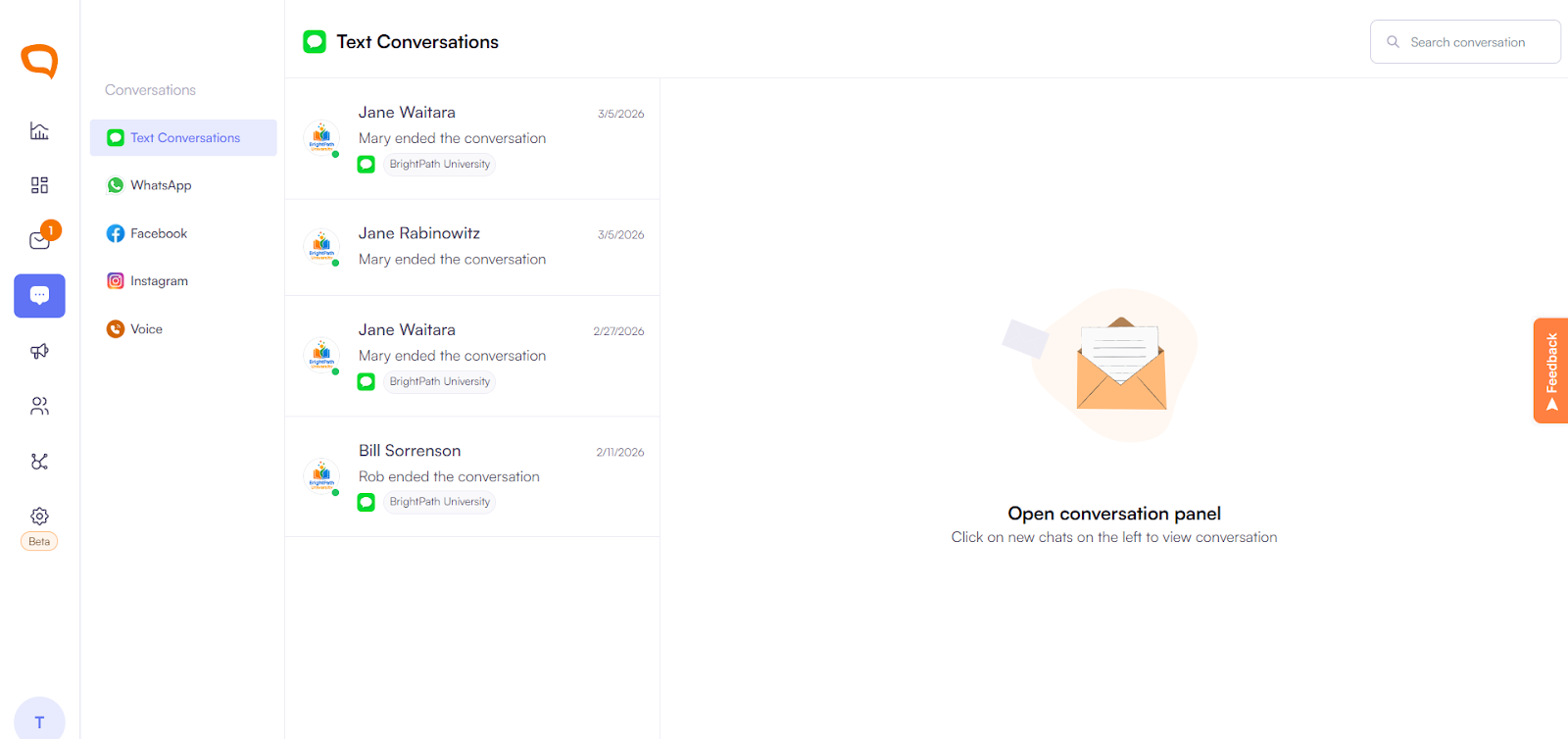
Access the Knowledge Base panel.
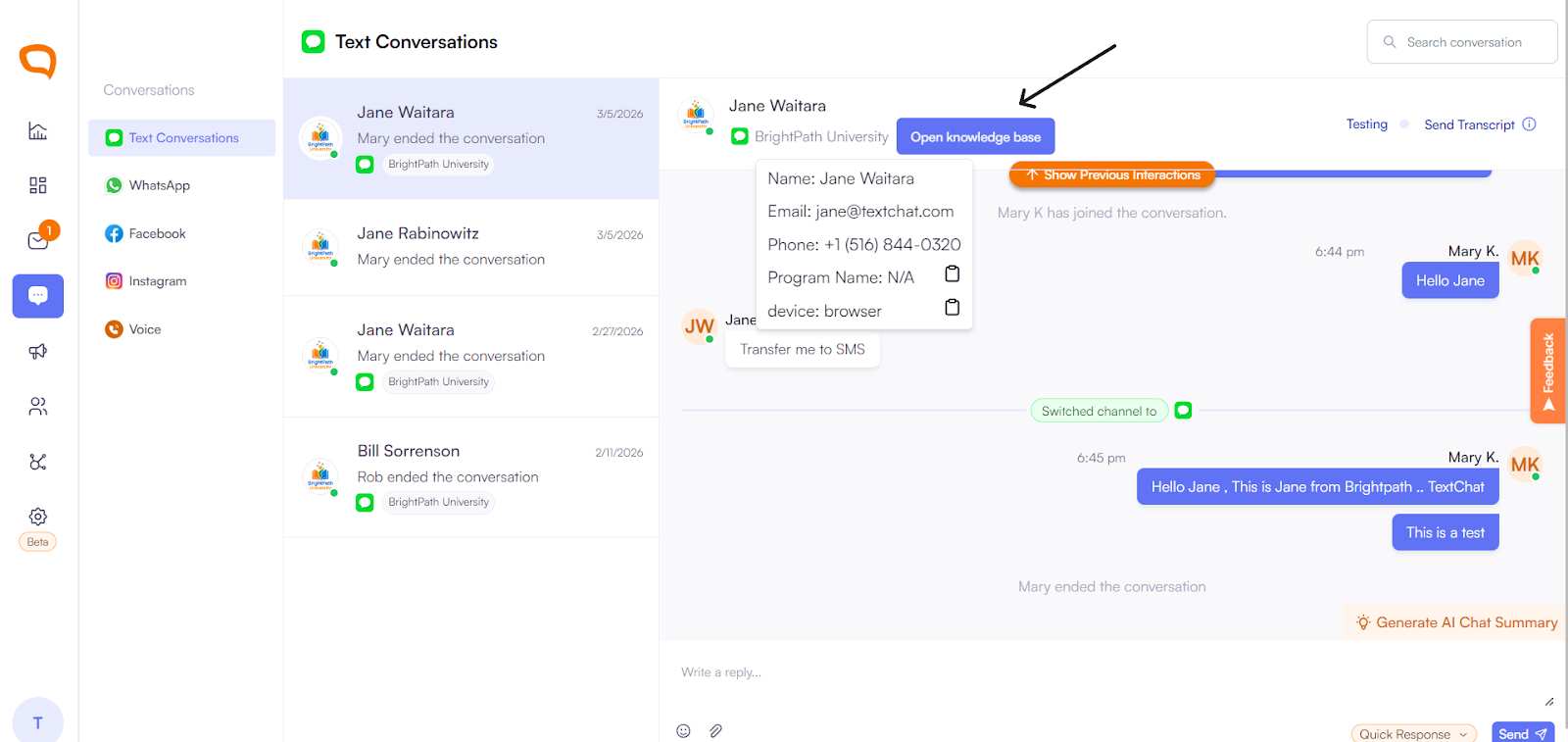
Reference the content while replying to customers.
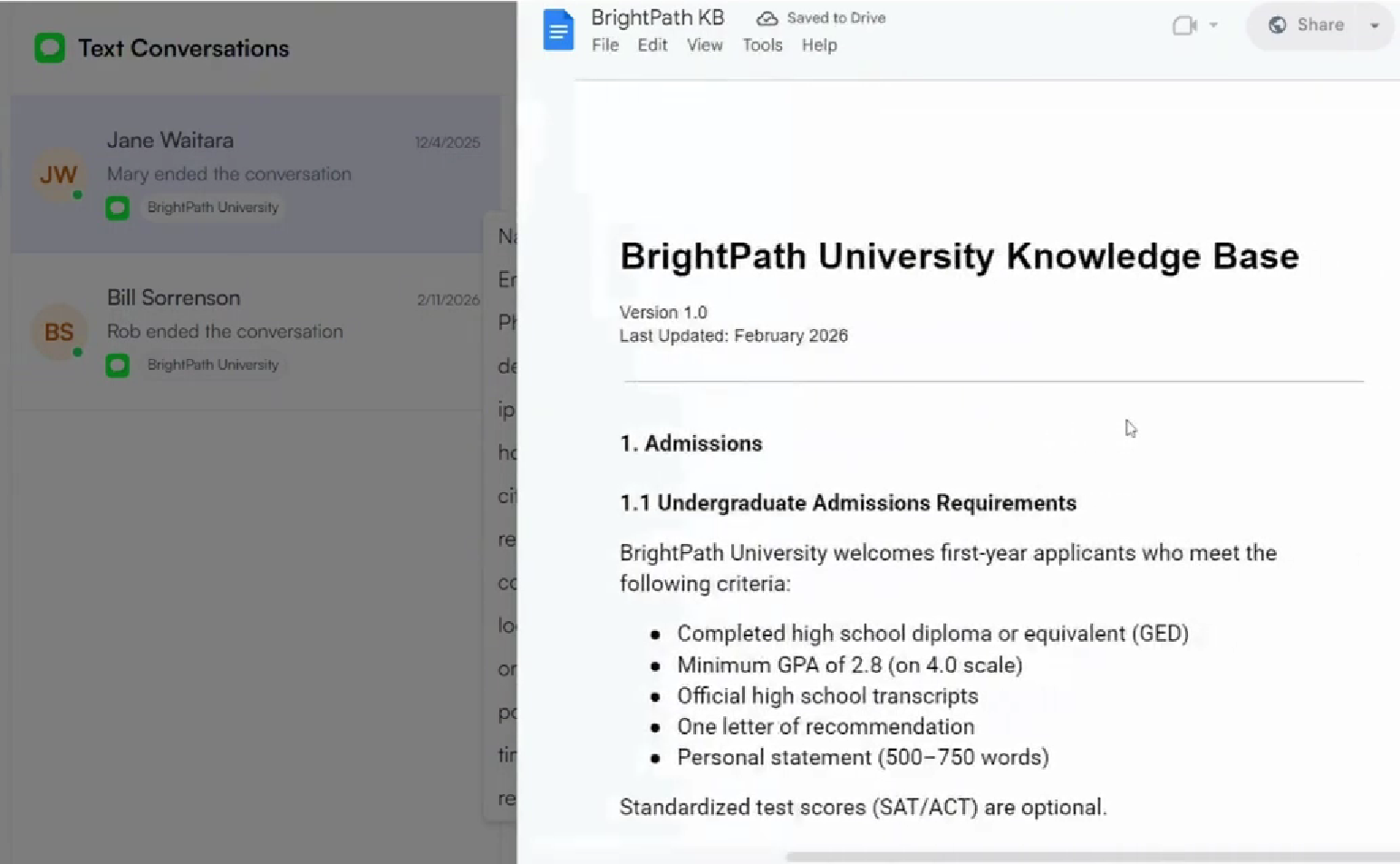
This enables faster, more consistent responses and reduces the need to switch between platforms.
Real-Time Updates
Your connected Google Doc updates in real time. Any edits made to the document are immediately reflected for all agents using the Knowledge Base.
This ensures:
Information is always up to date
Teams stay aligned
No manual re-uploading is required